Best OpenClaw Agents in 2026 for Setup Control & Everyday Workflows
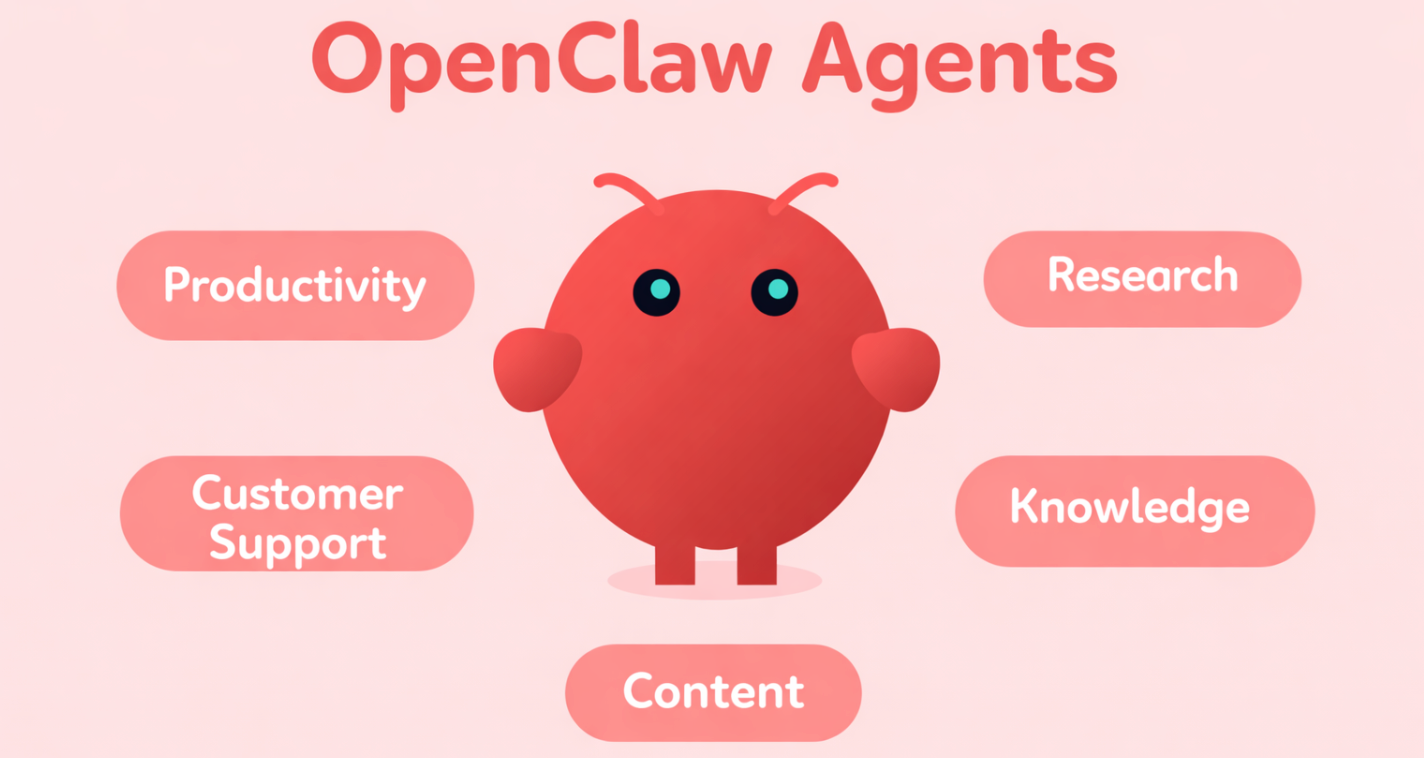
OpenClaw agents are drawing attention because they promise something more useful than a standard AI chatbot. Instead of only answering questions, they can be set up to handle tasks such as research, support, content work, and routine operations. That growing interest has also created confusion. Many people searching for an OpenClaw agent list find scattered documentation, marketplaces, or community pages, but not a simple explanation of what these agents actually do or where to start. This guide breaks the topic down into clear categories, installation paths, and deployment options that make OpenClaw easier to understand.
What OpenClaw Agents Are & Why Search Interest Is Growing
An OpenClaw agent is an AI assistant designed to do more than answer questions. It can be set up to handle tasks, follow steps, and work with tools, files, or other systems. For example, an agent may help with research, support, content work, or routine business tasks. In simple terms, it is a more task-focused AI tool built to help people get work done.
OpenClaw AI agents are getting attention because they can help with real work, not just conversation. They can support tasks like research, customer support, content creation, and daily organization. This makes them useful for many different teams. As more people look for practical AI tools, interest in OpenClaw agents continues to grow.
OpenClaw Agents List by Use Case
Productivity and Daily Planning Agents
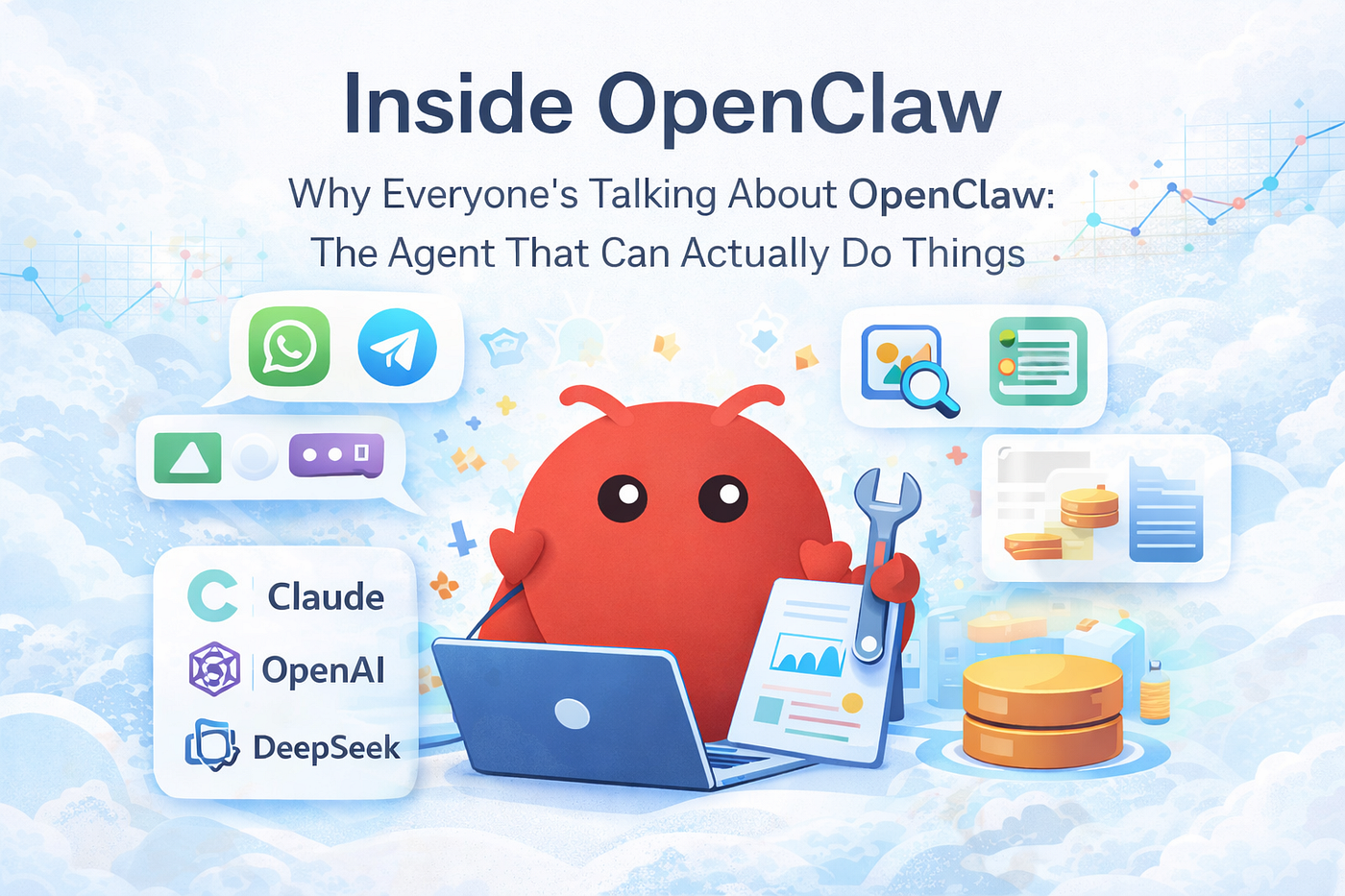 These agents help with daily work like summaries, task tracking, and simple updates. They are often the easiest starting point because the task is clear and the results are easy to see. For teams trying OpenClaw hosting, they are a practical first use case.
Customer Support Agents
Support agents are designed to answer common questions, sort incoming requests, and assist with routine replies. They are useful for teams that handle the same types of questions every day.
Research and Search Agents
Research agents help gather information, summarize sources, and track important updates. They are useful for teams that need fast access to useful facts without spending hours searching manually.
Knowledge and Documentation Agents
These agents help teams find internal information, organize notes, and support documentation work. They are especially helpful when information is spread across many files, tools, or pages.
Content and Marketing Agents
Content agents can help draft blog posts, repurpose existing material, and track trends. Marketing teams can also use them to support content planning and simple publishing workflows.
Sales and Outreach Agents
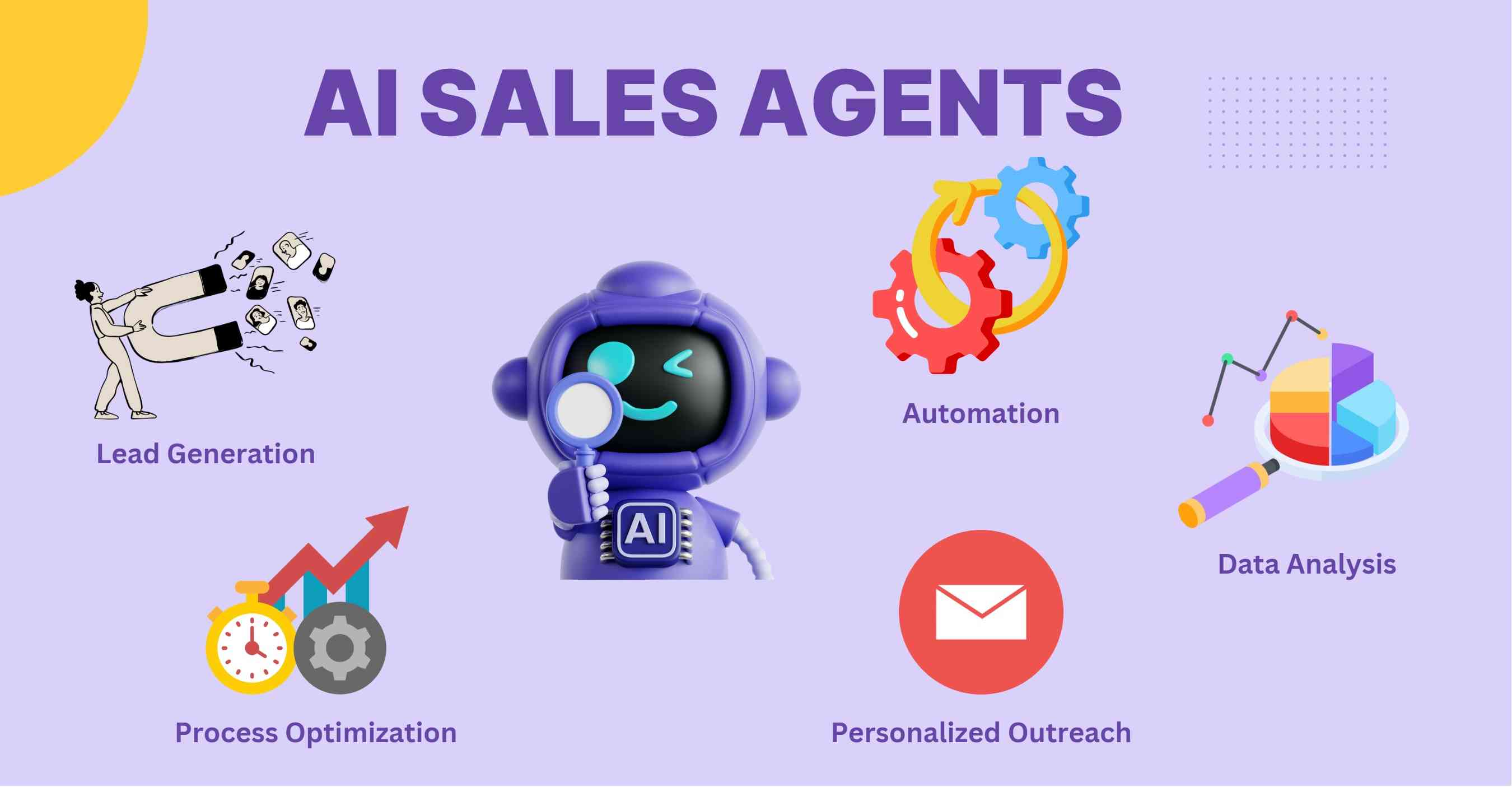 Sales-focused agents can help organize lead information, prepare follow-ups, and support contact management. They are most useful when the goal is to reduce repetitive manual work.
Coding and Technical Workflow Agents
Technical agents can support documentation, code review, monitoring, and other development tasks. They are usually more useful when connected to the right tools and data sources.
For teams ready to try OpenClaw in a simpler way, OpenClaw hosting MyClaw offers an easier path to start testing real agent use cases.
Communication and Email Agents
These agents help sort messages, draft replies, and summarize conversations. They can save time in teams that deal with large amounts of email or internal communication.
Where To Find and Install OpenClaw Agents, Skills, and Templates
There is no single official store that contains every OpenClaw agent in one place. In most cases, setting up an OpenClaw agent means starting with the main OpenClaw platform, then adding the skills and connections needed for a specific task.
 - The best place to begin is the official OpenClaw site and documentation. The OpenClaw home page explains the platform, while the Agent Overview shows how agents work. For installation, the Skill Installation Guide and ClawHub are the most useful starting points.
- In simple terms, many OpenClaw agents are built by combining skills, models, and channels rather than downloading a finished agent with one click. Some skills can be installed from ClawHub, some from GitHub, and some from local files.
- Third-party marketplaces and community directories can also help people discover ideas and templates. Still, official sources are usually the safest place to start, especially when an agent needs access to messages, files, or business tools.
Tips: Choose the Right OpenClaw Agent Setup
Choosing the right OpenClaw agent setup is easier when the focus stays on the job that needs to be done. The best starting point is usually not the most advanced agent, but the one with the clearest purpose.
- Start With One Clear Task
An agent works best when it is built for one main job. Good starting examples include a FAQ agent, a research agent, or a daily update agent. A simple setup is easier to test and improve.
- Look at the Skills Behind the Agent
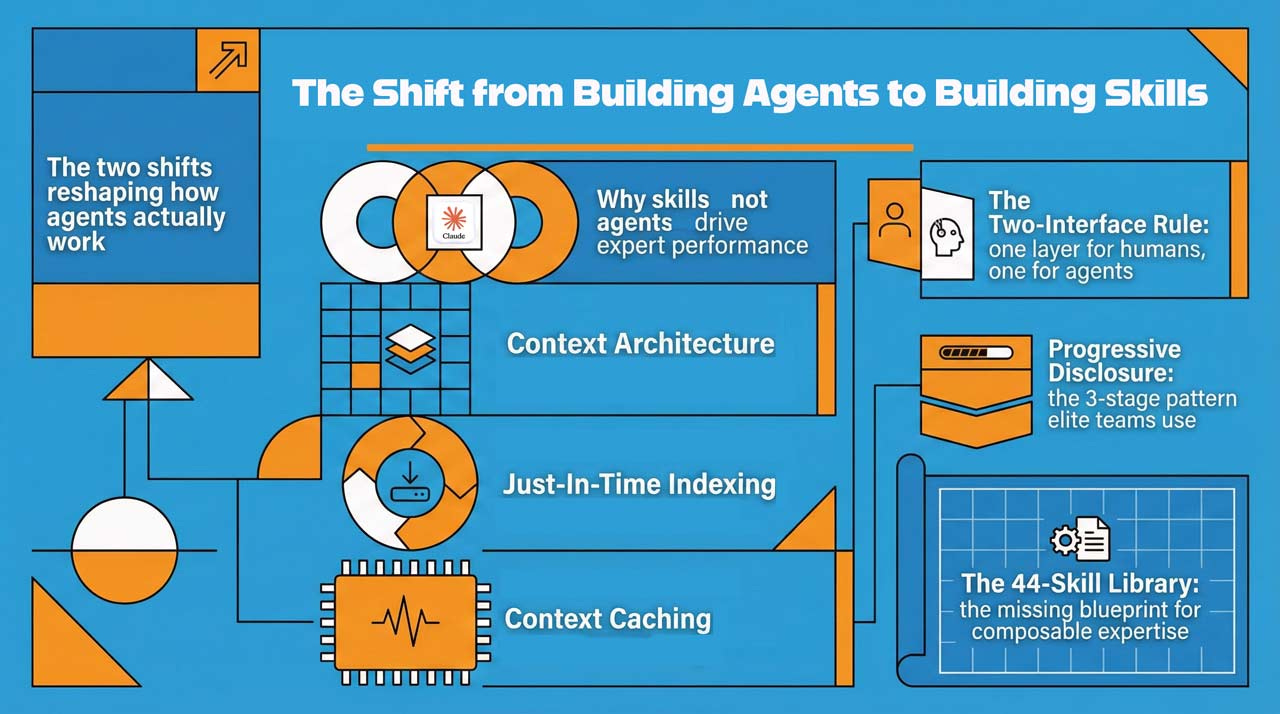 The name of an agent can sound impressive, but the real value comes from the skills it uses. A useful agent needs the right tools, data, and connections to actually complete its task.
- Consider Where the Agent Will Be Used
Some agents are better for internal team workflows, while others fit customer support, content work, or research. The setup should match the place where the agent will be used most often.
- Keep Access Limited at First
It is safer to begin with limited permissions and a small test environment. That makes it easier to understand how the agent works before giving it access to more systems or sensitive information.
Also read: OpenClaw vs. Claude Cowork: Which One Is Better for Real-World Automation
How To Deploy OpenClaw AI Agents Safely
Self-Hosting Gives More Control
Some teams prefer to run OpenClaw on their own servers because it offers more control over settings, access, and customization. This can be a good fit for technical teams with time to manage setup and maintenance. But self-hosting also means handling updates, uptime, backups, and security as part of daily operations.
Managed Hosting Makes the First Step Easier
 For many teams, the hardest part is not choosing an agent idea. It is getting OpenClaw running in a stable and simple way. This is where a managed service such as OpenClaw hosting MyClaw can fit naturally. MyClaw is positioned as a way to run OpenClaw without dealing with the full setup process, so teams can start faster and explore common agent use cases such as daily assistance, email workflows, research, and automation.
Safer Rollout Starts Small
A safe deployment usually starts with limited access and a small test environment. It is better to connect only the tools that are truly needed, check how the agent behaves, and expand step by step. This makes it easier to reduce mistakes and build trust before using the agent in more important workflows.
Conclusion
OpenClaw agents are useful because they can help with real tasks, not just conversation. The best way to start is usually with one simple agent for a clear job, then add more skills and connections over time. Official docs and ClawHub are good starting points for setup. For teams that want a simpler path, a managed option like OpenClaw hosting MyClaw can make it easier to get OpenClaw running and start testing practical agent ideas.
Skip the setup. Get OpenClaw running now.
MyClaw gives you a fully managed OpenClaw (Clawdbot) instance — always online, zero DevOps. Plans from $19/mo.